

My Design Process
I’d like to share a detailed explanation on my design process so that clients can get a better understanding of what goes on when I design exceptional digital products for beauty professionals and beauty brands. Several phases will be repeated multiple times throughout the design process because modifications is a must.
I make the designs responsive by designing for all devices, whether they are for smartphones, tablets, or desktop computers. I have to keep in mind that customers would like to access websites or web apps on multiple devices.
Phase I - Discover
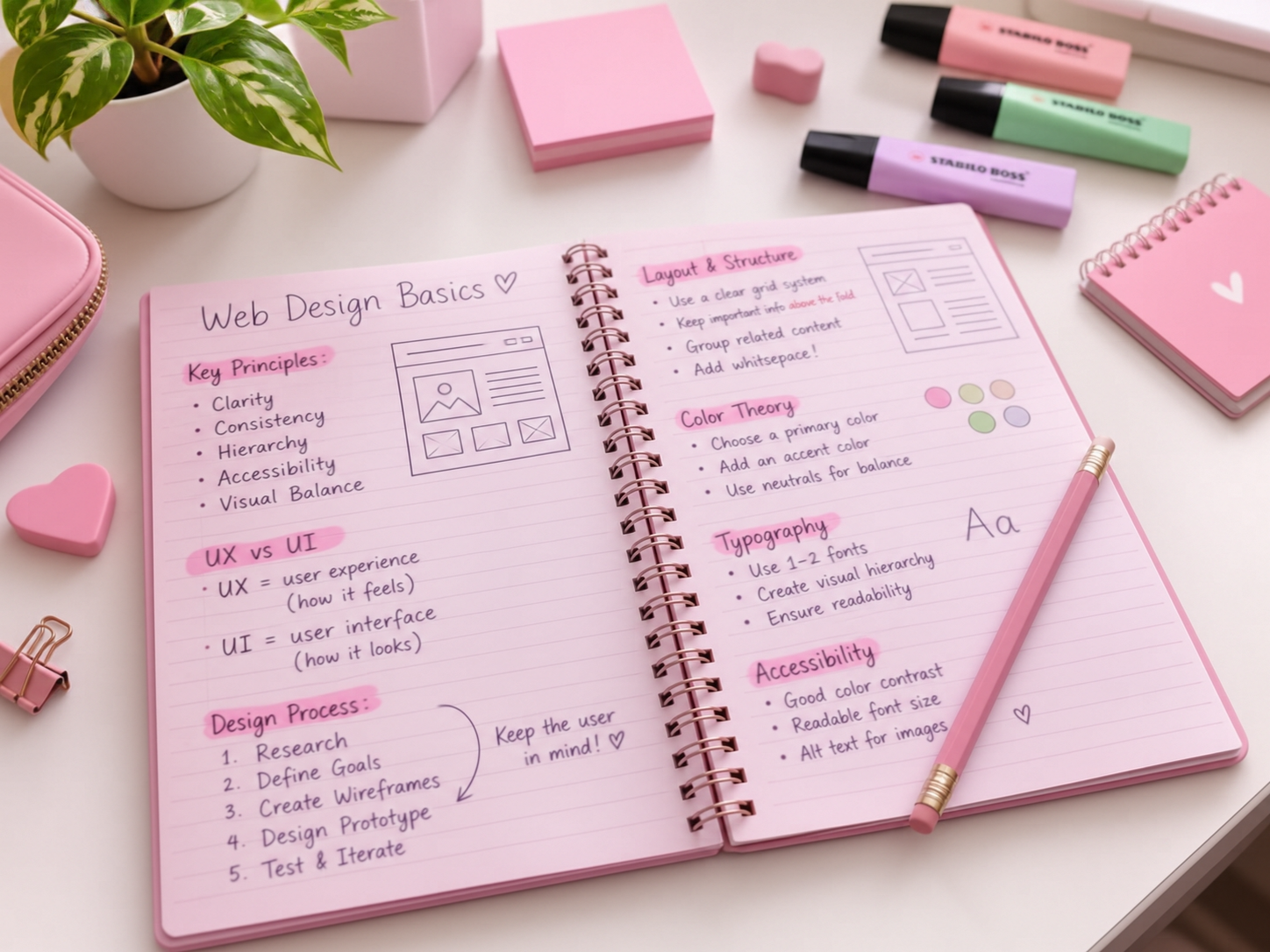
The very first thing that I do is perform research to understand the needs and wants of beauty professionals and their customers. I conduct primary research by interviewing salon owners, spa owners, estheticians, hairstylists, nail care specialists, lash technicians, and other beauty professionals as well as their customers if I’m permitted.
My secondary research involves using AI tools such as ChatGPT and Google Gemini in order to understand the pain points and issues that customers and owners of these beauty brands face. For example, a hair salon may have a dated website that hasn’t been revised since 2011, and customers have to call to ask about their services.
Phase II - Define
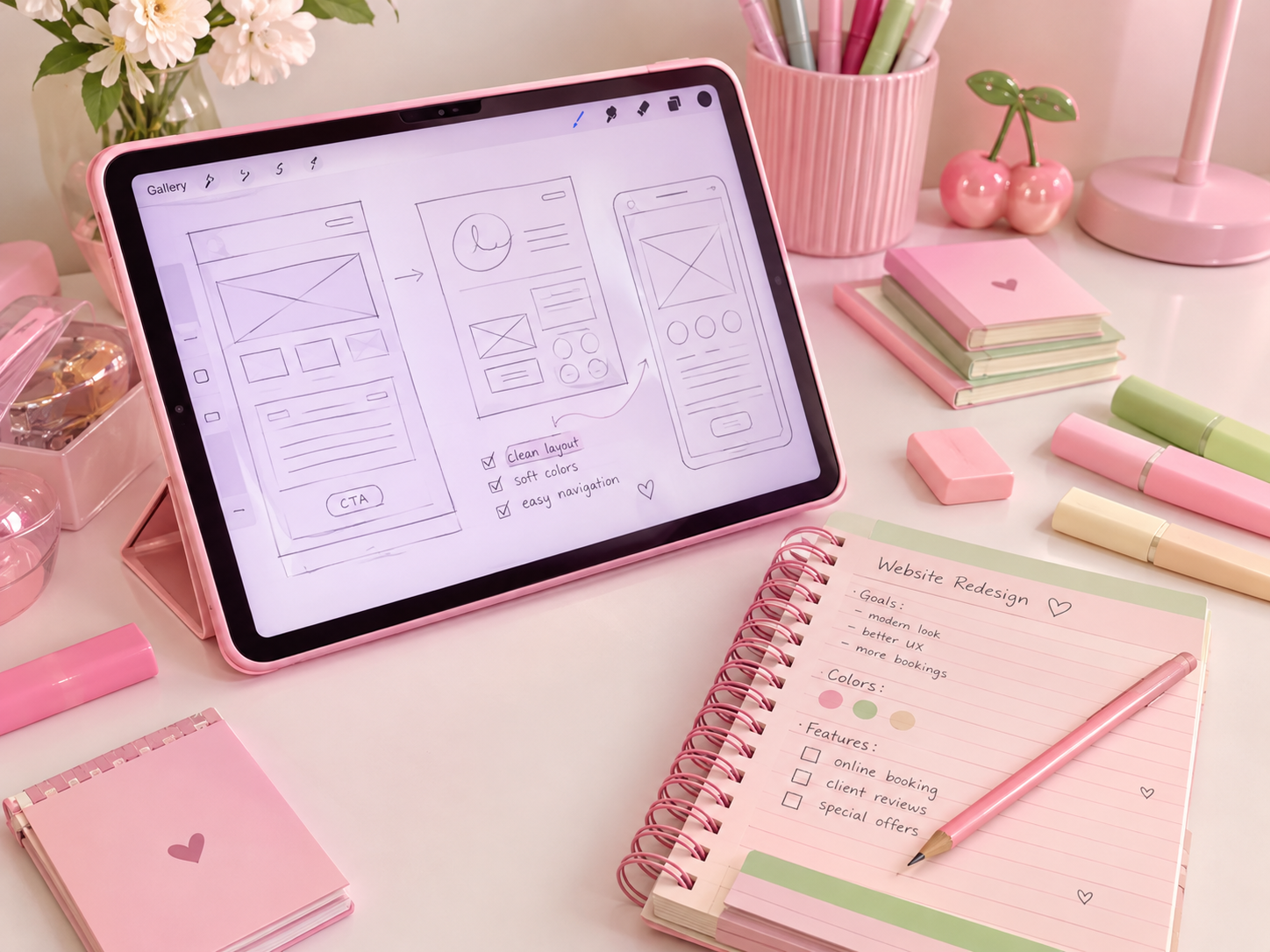
Once I have gathered all the information from my research, I come up with insights and solutions to the pain points and issues. For instance, If the hair salon that I mentioned earlier doesn’t provide an adequate service listing on their outdated site and lacks a gallery showcasing services performed, designing a modern, responsive site that includes a detailed service page complete with accurate pricing and providing recent hair styling services in a easily accessible gallery is the solution to the pain points that were discovered in the first phase.
I start placing myself in the perspective of the customers who navigate through the potential website so that I can address any issues or constraints that may emerge once the site has been designed and eventually built. User flows and user stories are often used during the first part of this phase. A user flow is a step-by-step visual diagram mapping out the path a customer takes to complete a task in a website or web app of a beauty brand. A user story is a short description of a website or a web app written in the perspective of the user, or in this case, the customer of a beauty brand.
Phase III - Design
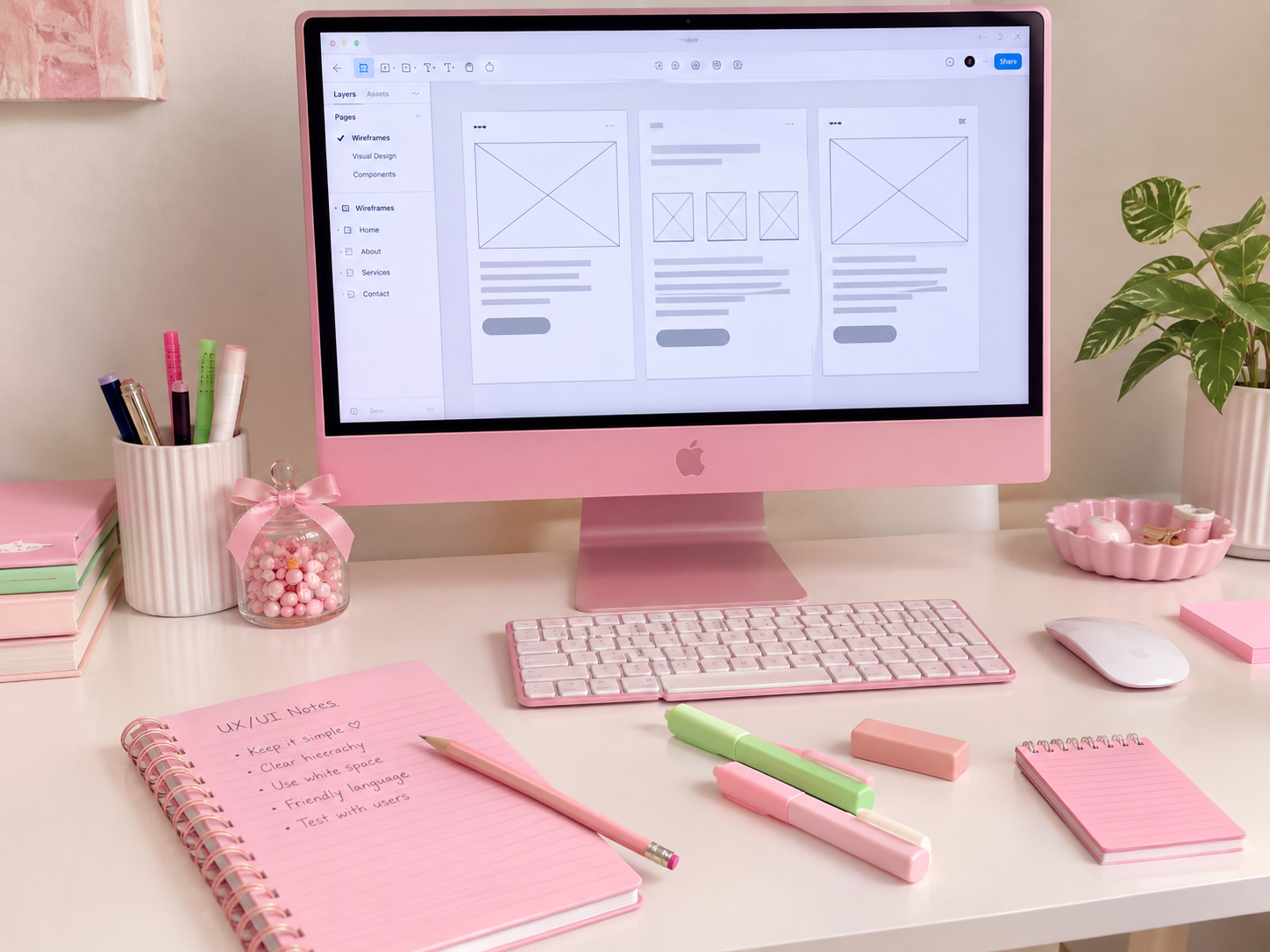
In this phase, the bulk of the design process is produced here. The first part of this phase involves completing a sitemap and sketching a rough sketch of the website. I create a sitemap so I have a better understanding of which pages will be included in the website, and there may be several modifications that take place throughout the entire design process. Once I have established the sitemap, I begin roughly sketching the wireframes using my iPad and stylus. I quickly jot down the layout of each page since additions and modifications will occur as I continue the design process.
The second part of this phase involves creating the low-fidelity wireframes and the design systems. When it comes to the low-fidelity wireframes (or lo-fi wireframes, for short), I design the layout with a little more detail; however, I make sure not to include any colors and typography just yet because the Information Architecture is the priority. I’ll only add the correct content provided by the beauty brand or the beauty professional, and making sure to place them on the correct locations is crucial in this step. Designing will come soon. The design system is a complete, single source that contains reusable UI components and design standards, and guidelines used to build digital products. These all include appropriate colors, proper typography, accurate logos, input fields, buttons, navigation bars, and models. The most important part of the design system is to make sure it complements the brand’s or professional’s identity. I make last minute changes to the lo-fi wireframes before I move forward on to the final phase.
Phase IV - Deliver
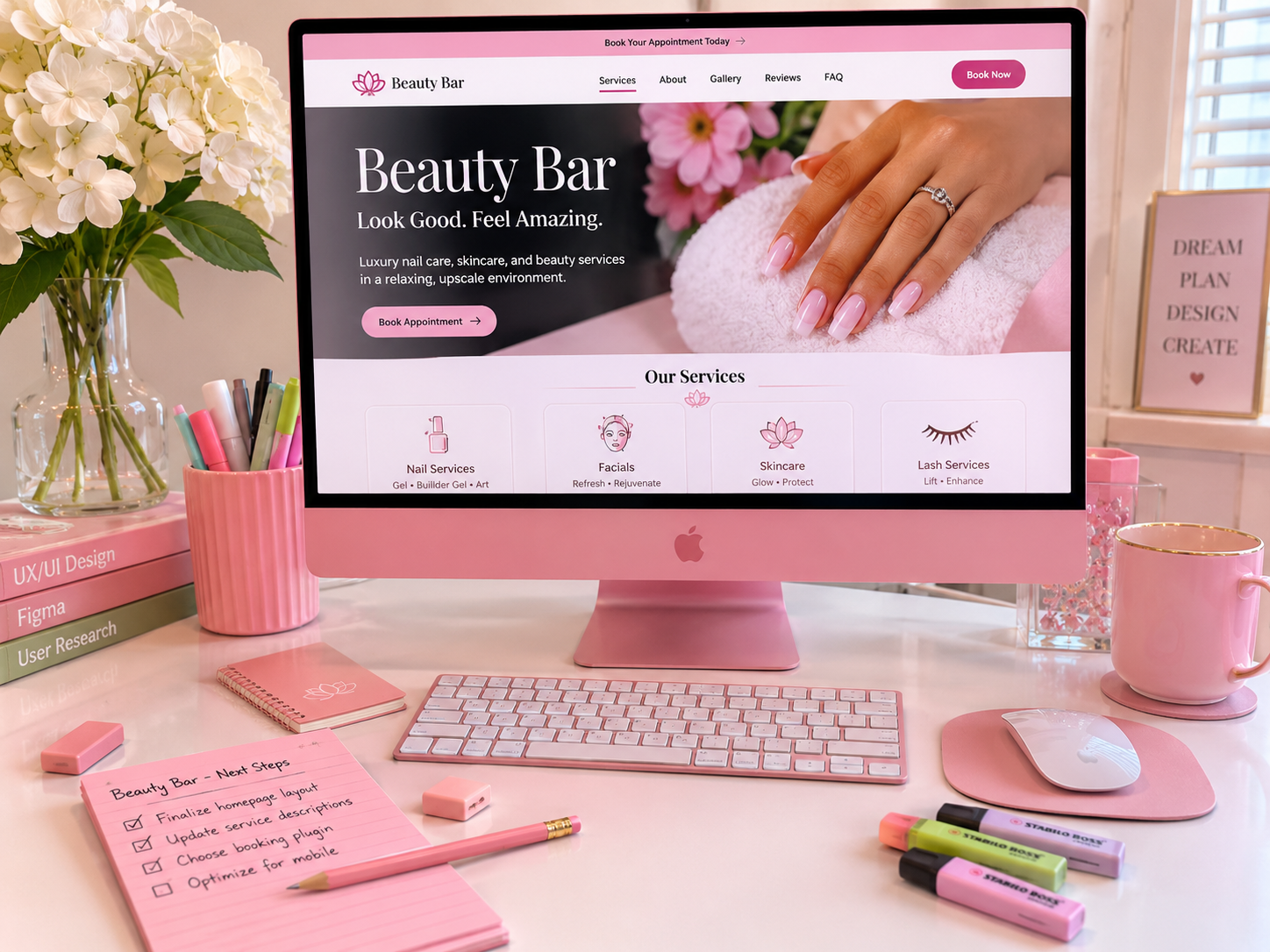
Lastly, I use the design system that I created in previous phase to design the high-fidelity wireframe (or hi-fi wireframe, for short). I make sure that my designs are appropriate and follow the design guidelines. I also keep in mind that there are those who are visually impaired or colorblind that would access the websites and web apps that I design. Before proceeding to the final step of this process that involves prototyping, I test out these hi-fi wireframes as if I’m a customer. I jot down any issues that may emerge and make the adjustments soon after.
The final stage is prototyping, which is where I create a simplified version of a website or web app. This is where I’m able to discover design flaws, test concepts, and gain feedback from both beauty professionals and their customers. I can make the necessary adjustments before sending it to a developer.